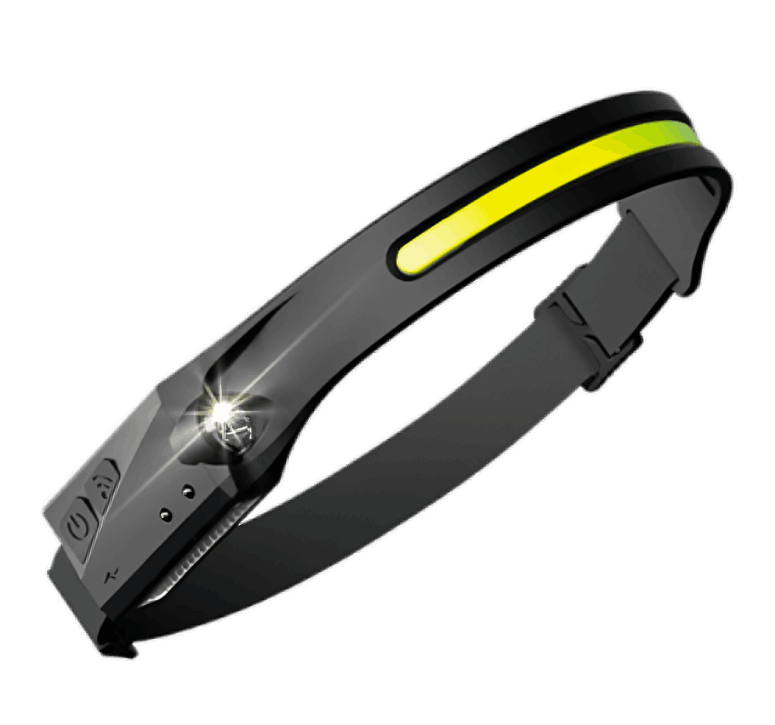
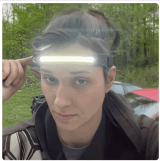
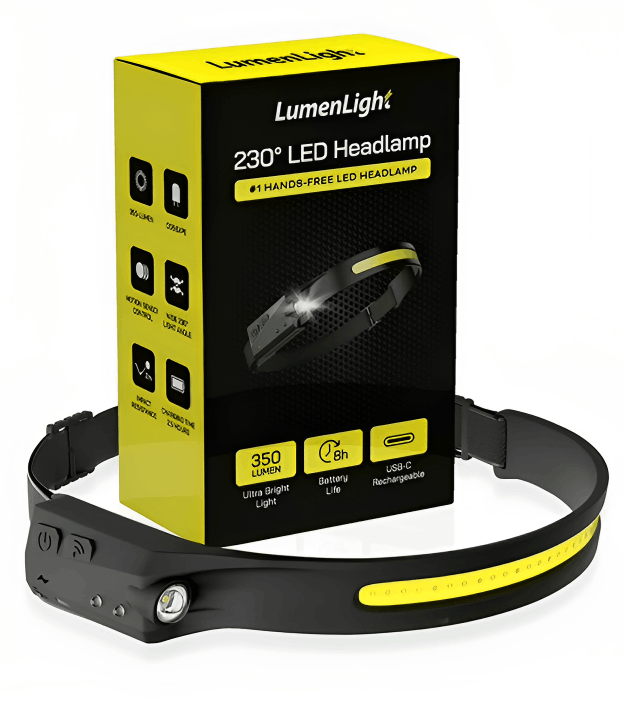
LumenLight is designed around a simple combination of wearable LED lighting and motion sensor technology. Instead of carrying a flashlight and trying to point it in the right direction every time you move, the headlamp sits comfortably on your head and provides lighting in the direction you are looking.
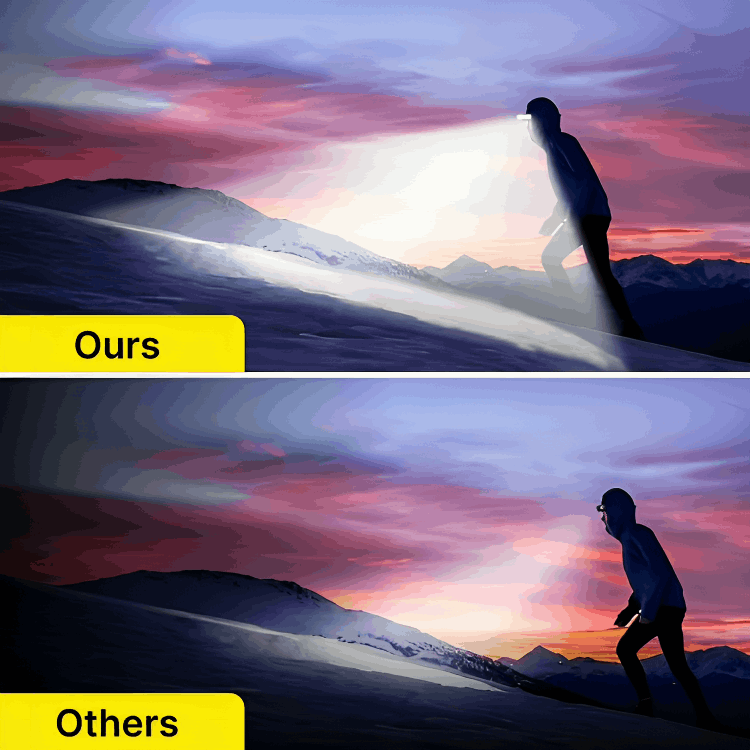
The wide LED design is intended to illuminate a broader area, helping you see your surroundings while moving or working. Its additional spotlight offers a more focused lighting option when you want to direct illumination toward a particular area.
1. Wear and Adjust the Headband
Start by placing the LumenLight headband around your head and adjusting it to achieve a secure and comfortable fit. The adjustable design is intended to accommodate different head sizes, helping keep the light positioned while you walk, work, or move around.
2. Activate the Motion Sensor
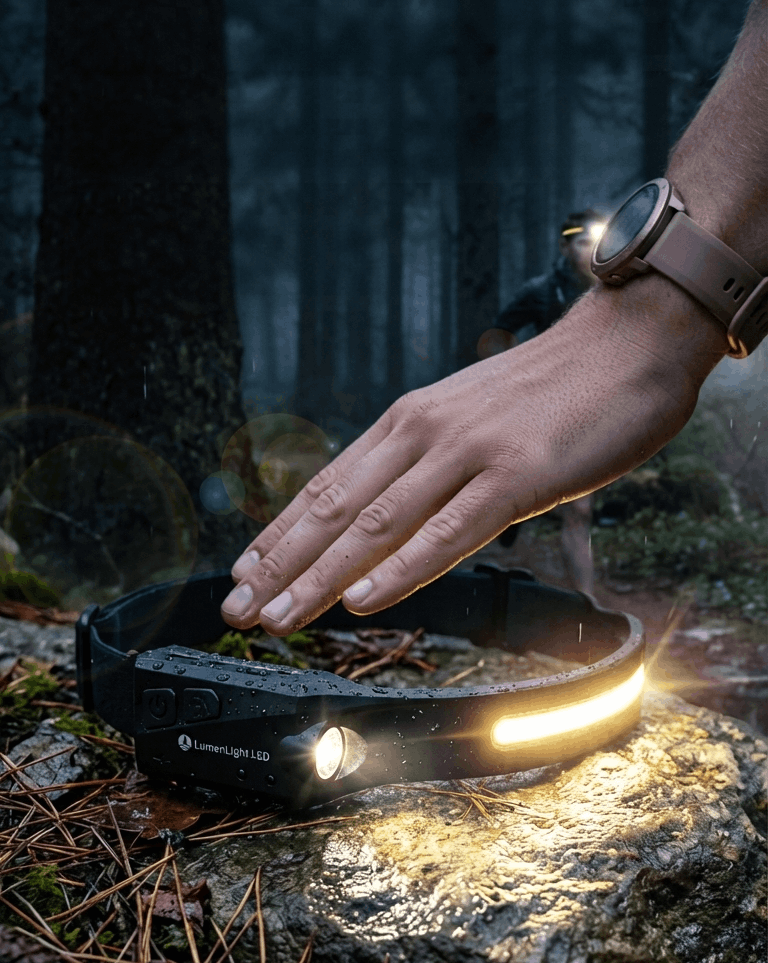
LumenLight features a motion sensor control located on the side of the headband. When using the sensor mode, wave your hand near the sensor to activate or deactivate the light, as described in the manufacturer's instructions.
This hands-free control is especially convenient when you are holding something, working with tools, preparing equipment, or simply don't want to repeatedly touch the light.
3. Illuminate Your Surroundings
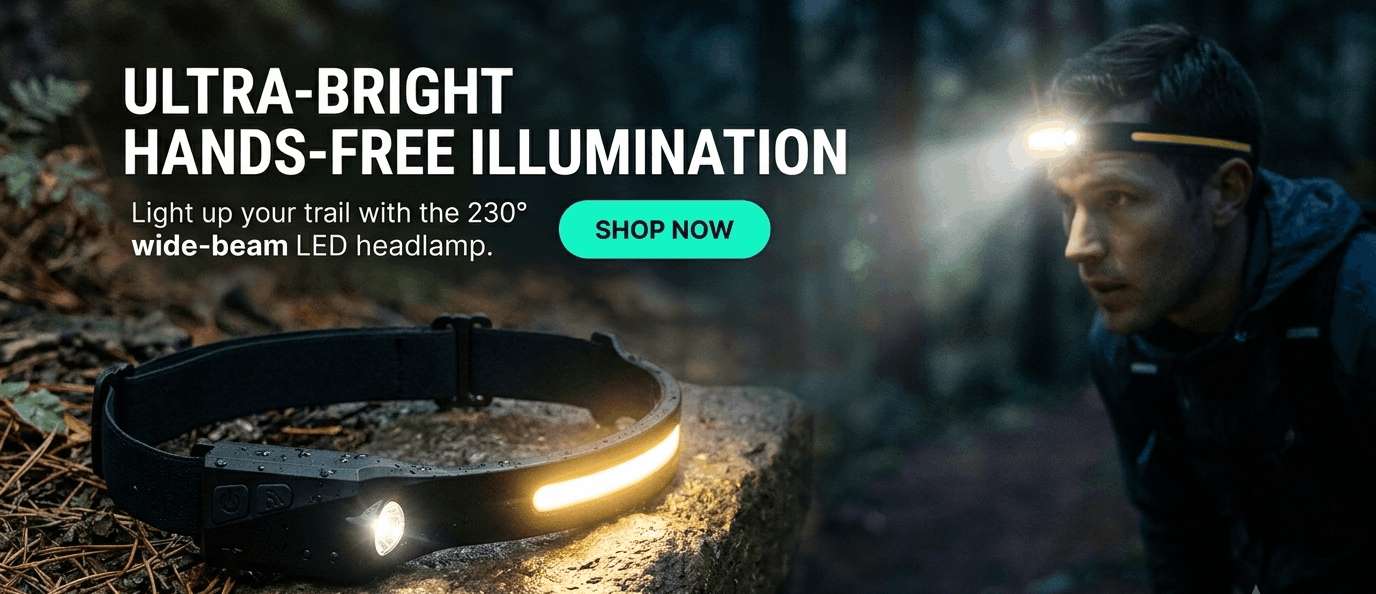
Once activated, LumenLight provides LED illumination designed to help you see in low-light environments. The wide 230-degree lighting angle helps cover a broader area, while the additional spotlight offers focused illumination for specific tasks.
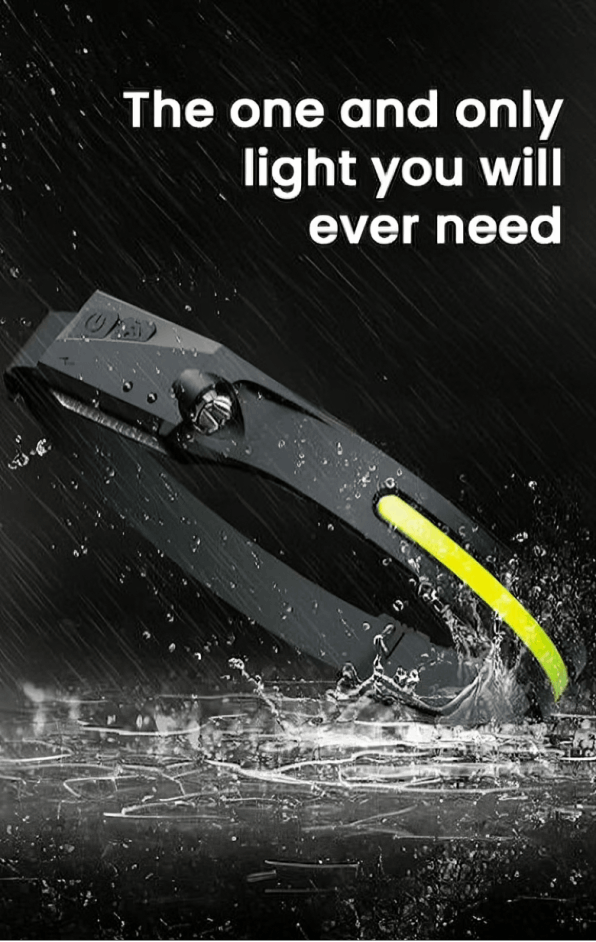
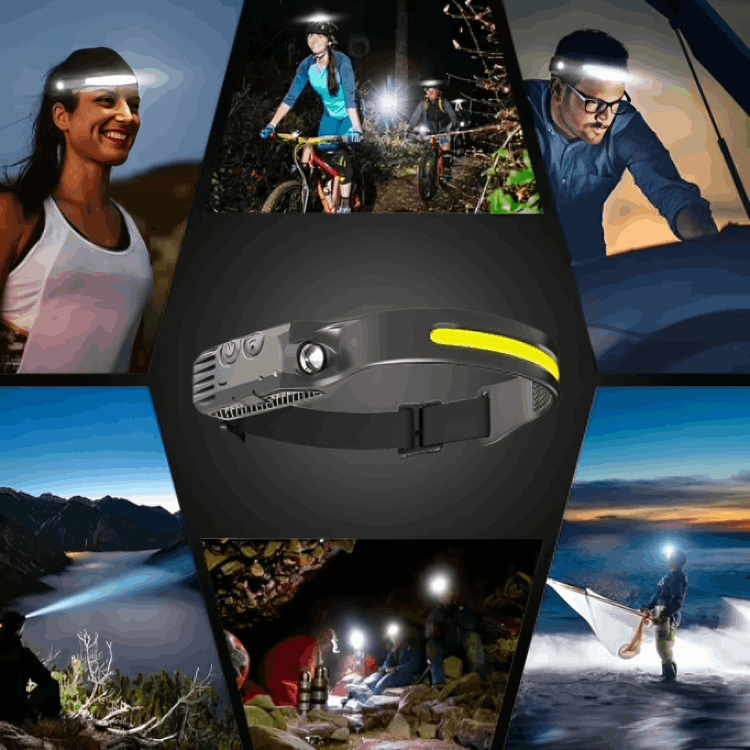
With its wearable format, rechargeable design, and convenient controls, LumenLight can be incorporated into many everyday activities without requiring you to carry a traditional flashlight in your hand.